Cloud & Automation
What Is a Report Engine?
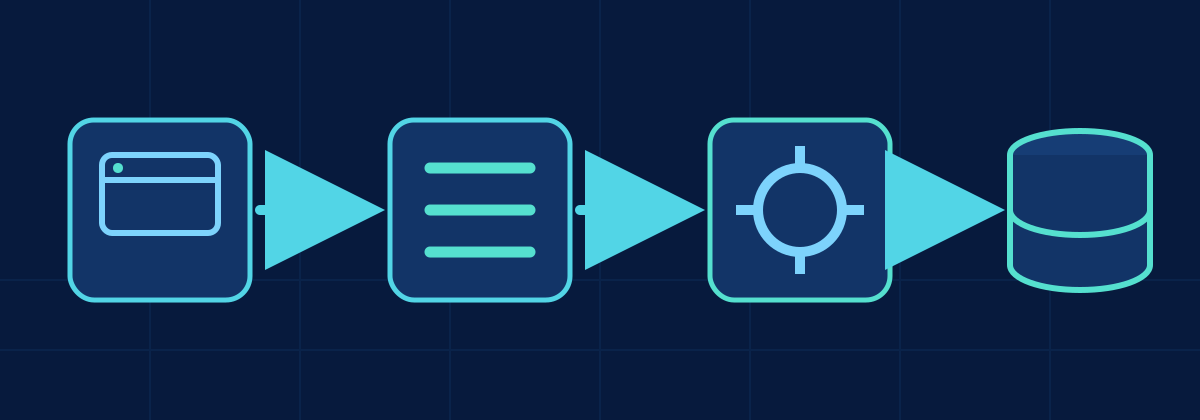
Define the report engine as a secure service between UI or API consumers and analytical data.
Production engineering
Comment les applications, les interfaces et les API interagissent avec les données analytiques.
Un moteur de rapports se situe entre les applications et la plateforme de données. Il valide les requêtes, applique les règles de sécurité et de locataire, choisit les données en cache ou en direct, exécute les requêtes nécessaires et retourne des résultats JSON, CSV ou téléchargeables.
Cette section présente la conception de ce système pour la performance, la sécurité, l’échelle et l’observabilité.
Le contenu technique est actuellement disponible en anglais.
A Report Engine is a backend service responsible for turning a validated report request into data. It can serve web UIs, mobile applications, external APIs, scheduled exports and downloadable reports.
It centralizes request validation, authorization, tenant isolation, controlled query execution, caching, formatting, monitoring and auditing. The frontend sends intent; it should not build database queries directly.
Une conception de production sur Azure et Microsoft Fabric : qui appelle le moteur, ce qu’il vérifie, où se trouvent les données et les résultats en cache, comment les résultats sont livrés et ce qui est supervisé.
Les libellés des diagrammes sont en anglais.
1 Consumers
2 Edge
3 Report Engine
4 Microsoft Fabric
Cached and generated outputs
storage-accountAzure Storage Account · private endpoint, encryption at restreport-cacheBlob container for report outputs{tenant}Tenant boundary: access and cache keys start here{report-name}One folder per report definition{yyyy}/{mm}/{dd}Date partitions; lifecycle rules expire old outputs{request-id}.{format}One output per request: json · csv · parquetExample report-cache/contoso/sales-by-region/2026/10/03/7f3c9a1e.csv
Output path
Small, bounded result
Large result or file
Long-running request (asynchronous)
POST /reportsGET /reports/{id} statusStatus: queued · running · succeeded · failed · expired
Monitoring Azure Monitor · Application Insights
Ce qui arrive à une requête, étape par étape, et quel composant fait le travail.
API Management
Step 1: Receive request
Assign a request ID, accept a correlation ID
Report Engine
Step 2: Validate request
Report, format, date range, row and byte limits
Report Engine
Step 3: Resolve tenant & security
Tenant from trusted claims; authorize report and filters
Storage account
Step 4: Check cache
Tenant-aware key; fresh output → skip to step 6 or 8
Microsoft Fabric
Step 5: Query Fabric if needed
Approved template, bound parameters, timeout
Only on a cache miss
Report Engine
Step 6: Build result
Shape rows into JSON, CSV or Parquet
Storage account
Step 7: Store output / cache result
Write to the tenant’s folder with a TTL
Report Engine
Step 8: Return response
JSON body or short-lived download link
Comment le moteur choisit entre un résultat stocké et une requête Fabric en direct, sans jamais partager de résultats entre locataires.
tenantreportparametersformatversionreport-cache, under{tenant}/{report}/…Yes Cache hit
No Cache miss
Tenant-aware: same report, same parameters, different tenants
contoso · sales-by-region · 2026-09 · csv · v3report-cache/contoso/sales-by-region/…fabrikam · sales-by-region · 2026-09 · csv · v3report-cache/fabrikam/sales-by-region/…Two keys, two folders: never shared.
Cloud & Automation
Define the report engine as a secure service between UI or API consumers and analytical data.
Cloud & Automation
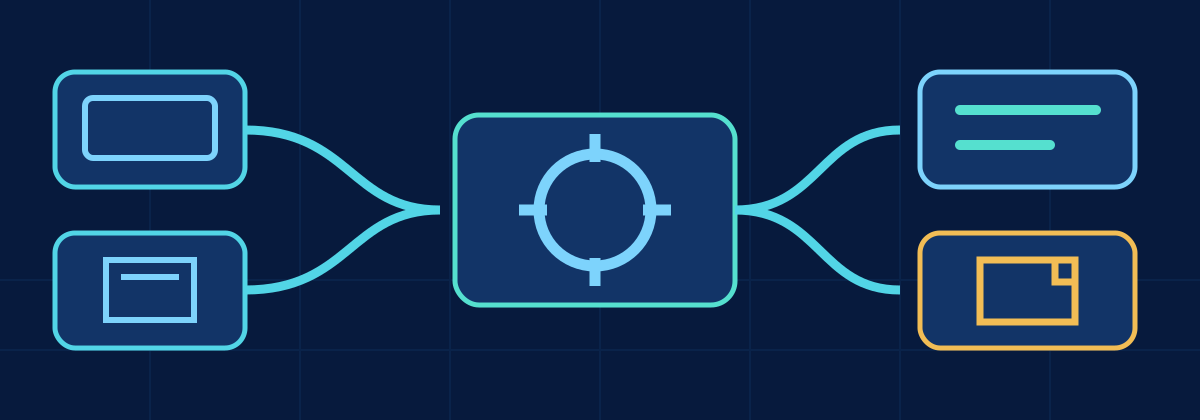
Design one governed report backend for interactive UI pages, external APIs, downloads and large asynchronous exports.
Cloud & Automation
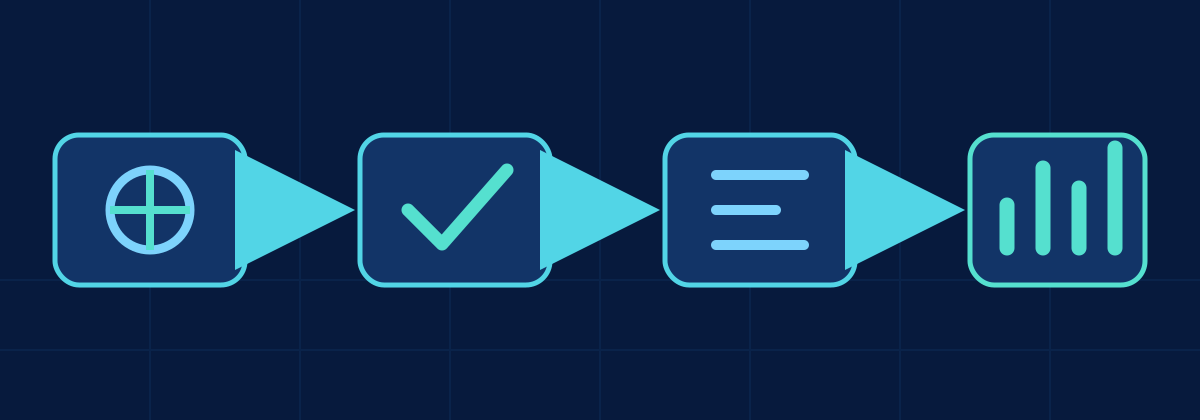
Trace a report request through gateway, security, validation, cache, Fabric query, result construction and monitoring.
Cloud & Automation
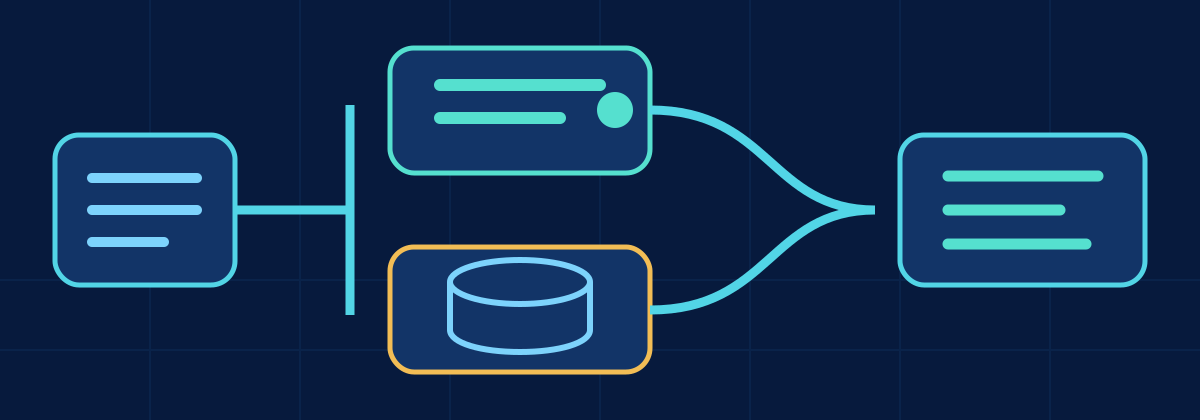
Choose pre-rendered, live, or hybrid report execution using freshness, repetition, variability, cost and security constraints.
A concise reference for report request validation, cache decisions, Fabric queries, asynchronous delivery and observability.
Trace UI and API requests through a secure report engine, tenant-aware cache or query path, result construction, asynchronous delivery, and monitoring.
The planned project will become the executable reference implementation for this architecture.
Voir le projet →