SQL Server
How to See SQL Server Table Sizes
Measure SQL Server row counts, reserved space, data, indexes and unused allocation without double-counting partitions or allocation units.
On this page
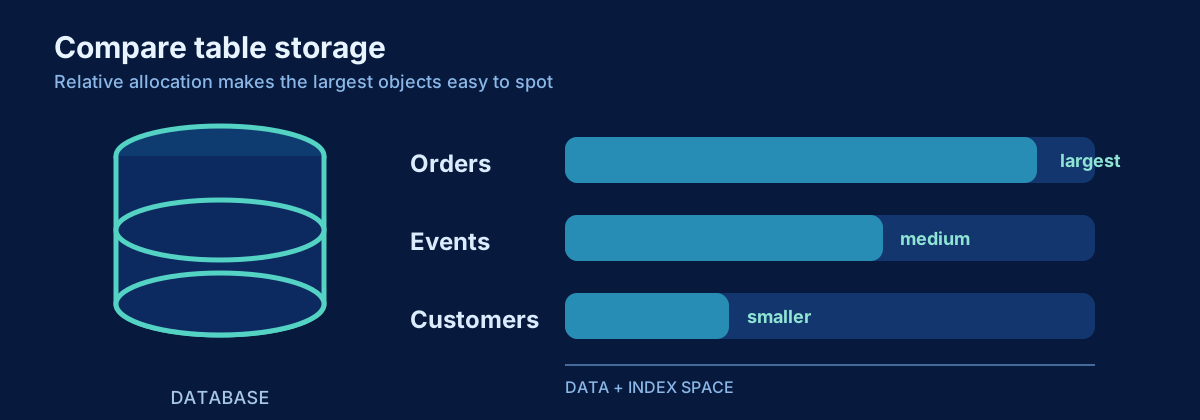
Table size is context for a performance investigation, not a verdict. Ten million narrow rows can be smaller than one million rows with large object values, and a large table can perform well when access paths match the workload. Measure rows and pages before drawing conclusions about scans, maintenance, retention, or partitioning.
Problem
Users report that a query against SalesDb became slow after months of growth. You need to know which tables are largest, how much space belongs to data versus indexes, whether allocation is unused, and how rows are distributed across partitions.
SQL Server exposes several related grains: tables, indexes, partitions, and allocation units. Joining all of them carelessly can multiply rows and double-count space. The first queries use sys.dm_db_partition_stats, which already provides page counts at the partition level and is convenient for safe aggregation.
Quick diagnostic: largest tables in the current database
Run this in the database you want to inspect. Heap or clustered index partitions (index_id 0 or 1) hold the table’s row count and in-row/LOB/row-overflow data. Nonclustered indexes contribute to reserved and used space but must not be added to the row count.
;WITH table_space AS
(
    SELECT
        ps.object_id,
        SUM(CASE WHEN ps.index_id IN (0, 1) THEN ps.row_count ELSE 0 END) AS row_count,
        SUM(ps.reserved_page_count) AS reserved_pages,
        SUM(ps.used_page_count) AS used_pages,
        SUM(CASE WHEN ps.index_id IN (0, 1)
                 THEN ps.in_row_data_page_count
                    + ps.lob_used_page_count
                    + ps.row_overflow_used_page_count
                 ELSE 0 END) AS data_pages,
        SUM(CASE WHEN ps.index_id > 1 THEN ps.used_page_count ELSE 0 END) AS nonclustered_index_pages
    FROM sys.dm_db_partition_stats AS ps
    GROUP BY ps.object_id
)
SELECT
    DB_NAME() AS database_name,
    SCHEMA_NAME(t.schema_id) AS schema_name,
    t.name AS table_name,
    space.row_count,
    CAST(space.reserved_pages * 8.0 / 1024 AS decimal(19, 2)) AS reserved_mb,
    CAST(space.data_pages * 8.0 / 1024 AS decimal(19, 2)) AS data_mb,
    CAST(space.nonclustered_index_pages * 8.0 / 1024 AS decimal(19, 2)) AS nonclustered_indexes_mb,
    CAST((space.reserved_pages - space.used_pages) * 8.0 / 1024 AS decimal(19, 2)) AS unused_mb,
    CAST(space.reserved_pages * 8.0 / 1024 / 1024 AS decimal(19, 2)) AS reserved_gb
FROM table_space AS space
INNER JOIN sys.tables AS t
    ON t.object_id = space.object_id
WHERE t.is_ms_shipped = 0
ORDER BY space.reserved_pages DESC, schema_name, table_name;
data_mb includes in-row, LOB, and row-overflow pages for the heap or clustered index. nonclustered_indexes_mb shows used pages for secondary rowstore indexes and other indexes with index_id > 1. reserved_mb includes allocated but unused pages across all indexes. The components are useful operational measures, but do not assume they form a perfect storage invoice for every specialized index type.
Query: one specific table
Set the schema and table once. Using OBJECT_ID avoids editing object names throughout the query and correctly distinguishes schemas.
DECLARE @SchemaName sysname = N'dbo';
DECLARE @TableName sysname = N'SalesOrder';
DECLARE @ObjectId int = OBJECT_ID(QUOTENAME(@SchemaName) + N'.' + QUOTENAME(@TableName), N'U');

IF @ObjectId IS NULL
    THROW 50000, 'The requested user table does not exist in the current database.', 1;

SELECT
    DB_NAME() AS database_name,
    OBJECT_SCHEMA_NAME(ps.object_id) AS schema_name,
    OBJECT_NAME(ps.object_id) AS table_name,
    SUM(CASE WHEN ps.index_id IN (0, 1) THEN ps.row_count ELSE 0 END) AS row_count,
    CAST(SUM(ps.reserved_page_count) * 8.0 / 1024 AS decimal(19, 2)) AS reserved_mb,
    CAST(SUM(ps.used_page_count) * 8.0 / 1024 AS decimal(19, 2)) AS used_mb,
    CAST(SUM(ps.reserved_page_count - ps.used_page_count) * 8.0 / 1024 AS decimal(19, 2)) AS unused_mb
FROM sys.dm_db_partition_stats AS ps
WHERE ps.object_id = @ObjectId
GROUP BY ps.object_id;
Query: row counts and size by partition
Partition distribution matters for elimination, sliding-window maintenance, and skew. It does not mean a large table should automatically be partitioned.
DECLARE @SchemaName sysname = N'dbo';
DECLARE @TableName sysname = N'SalesOrder';
DECLARE @ObjectId int = OBJECT_ID(QUOTENAME(@SchemaName) + N'.' + QUOTENAME(@TableName), N'U');

SELECT
    i.name AS index_name,
    i.index_id,
    ps.partition_number,
    ps.row_count,
    CAST(ps.reserved_page_count * 8.0 / 1024 AS decimal(19, 2)) AS reserved_mb,
    CAST(ps.used_page_count * 8.0 / 1024 AS decimal(19, 2)) AS used_mb
FROM sys.dm_db_partition_stats AS ps
INNER JOIN sys.indexes AS i
    ON i.object_id = ps.object_id
   AND i.index_id = ps.index_id
WHERE ps.object_id = @ObjectId
ORDER BY i.index_id, ps.partition_number;
This returns each index partition separately. Do not sum row_count across every index: the same logical table rows are represented in the base structure and each index. For a table row count, sum only index_id 0 or 1.
How to read the result
SQL Server pages are 8 KB, so pages multiplied by 8 and divided by 1,024 produce MB. Divide MB by 1,024 for GB. Decimal conversions prevent integer truncation. Reported row counts from sys.dm_db_partition_stats are maintained metadata and can be approximate under concurrent activity; use them for diagnostics and capacity analysis rather than financial-grade reconciliation.
Reserved space is allocated to an object. Used space is the occupied portion of that allocation. A difference is not automatically reclaimable operating-system space, nor does unused allocation automatically indicate a problem. Data files commonly retain free space for future growth.
LOB values such as varchar(max), nvarchar(max), varbinary(max), XML, and some columnstore structures can make byte size diverge sharply from row count. That is why the first query explicitly includes LOB and row-overflow pages for the base table.
What the result may mean
A table dominating data size can justify retention and access-pattern analysis. Index space much larger than base data may be appropriate for a read-heavy system, or it may indicate overlapping wide indexes. Large unused allocation can follow rebuilds, deletes, or growth patterns, but shrinking files routinely is usually counterproductive and can create fragmentation and repeated growth.
Uneven partition row counts may be expected when recent time ranges are hotter. They can also reveal a boundary or data-distribution issue. Verify that important queries actually use partition elimination by inspecting predicates and execution plans.
What to check next
Connect size to the query that is slow. Inspect logical reads and the plan. Identify which indexes are used, their write cost, and whether statistics describe the current distribution. For very large tables, examine retention, compression, maintenance duration, write patterns, and columnstore suitability before choosing a physical-design change.
Common mistakes
- Adding
sys.allocation_unitsthrough multiple paths and accidentally counting the same allocation more than once. - Summing row counts across all indexes.
- Treating metadata row counts as an exact business count during concurrent writes.
- Ignoring LOB and row-overflow pages.
- Assuming a large table must be partitioned.
- Shrinking data files as routine cleanup without understanding regrowth and fragmentation.
Production notes
These queries are read-only and normally inexpensive, but catalog and DMV access still participates in metadata concurrency. Run them in the target database and save the database name with results. In availability groups, understand which replica you queried and whether its data is current enough for the purpose.
Size is most useful as a trend. Capture it on a reasonable schedule, compare growth rates, and relate changes to retention and workload. A single measurement tells you what is large today; a trend tells you what will become an operational problem.
Related content
SQL Server
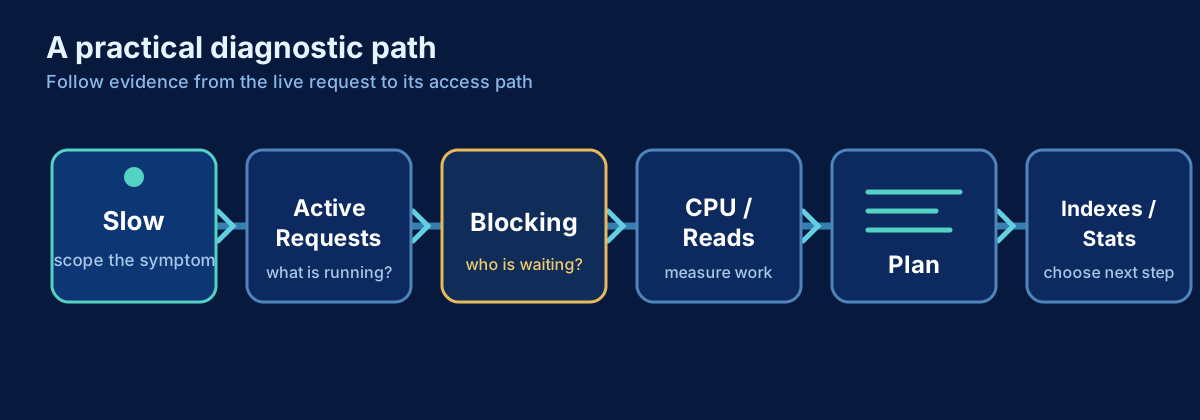
SQL Server Is Slow: A Practical Troubleshooting Workflow
A production-first workflow for turning a vague SQL Server slowdown into evidence, a likely cause, and a safe next step.
SQL Server
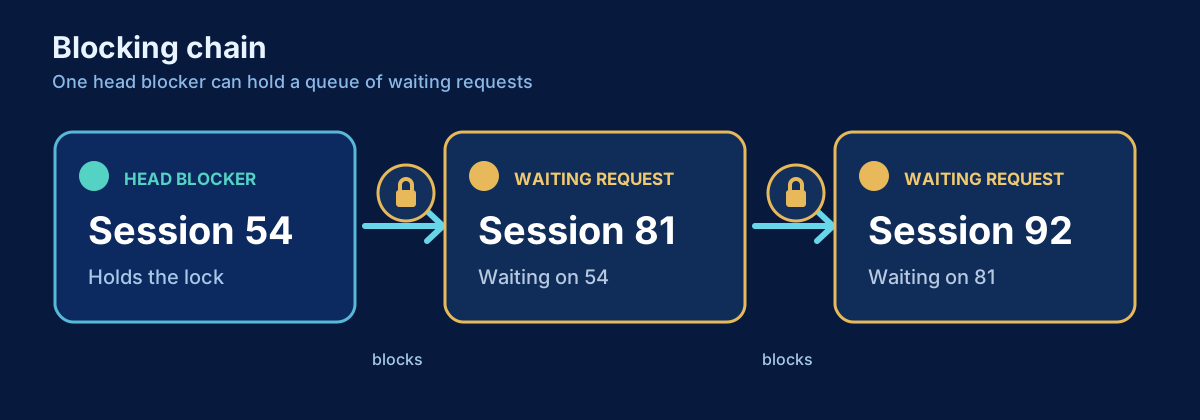
How to Find Blocking in SQL Server
Find blocked requests, trace blocking chains to the head blocker, and inspect the responsible session and transaction safely.
SQL Server
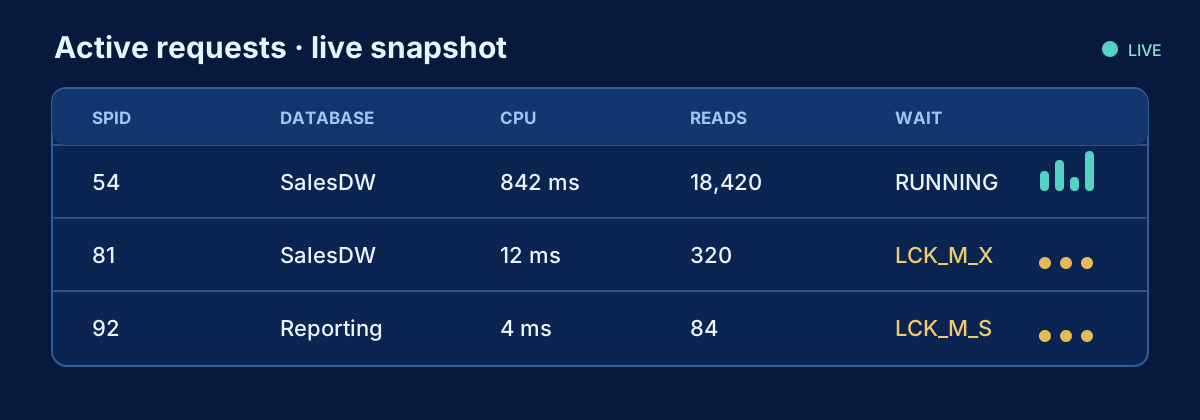
How to Find What Is Running in SQL Server Right Now
A production-safe DMV query for active SQL Server requests, including statement text, identity, resource use, waits and blocking.